Hermes Agent Memory Not Working? Here's Why
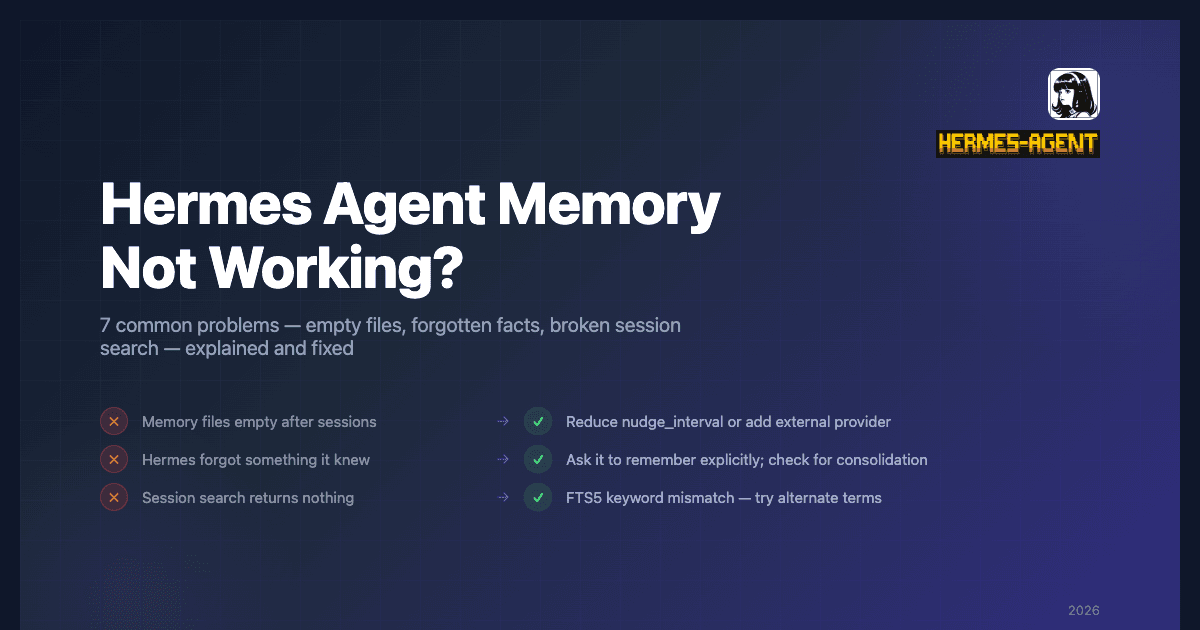
You set up Hermes, had a few conversations, and checked the memory files. Empty. Or Hermes asked you something it already knew last week. Or the session search came back blank when you were sure you'd discussed the topic before.
These are the most common Hermes memory complaints, and almost all of them have a straightforward explanation. This article goes through each one.
Problem 1: Nothing Has Been Written to My Memory Files
Symptom: ~/.hermes/memories/MEMORY.md and USER.md are empty after several sessions.
Why: The built-in memory is agent-curated, not a recorder. Hermes only writes to these files when the LLM judges something worth persisting — environment facts, user preferences, project conventions, discovered workarounds. In short or narrowly task-focused sessions, the agent may not flag anything. The system also has a configurable nudge_interval that periodically prompts the agent to reflect and save; if you haven't touched that config, the default interval may not be firing often enough for your session length.
Fix:
- Check your nudge interval in
~/.hermes/config.yaml. Reduce it if you're running short sessions. - In gateway mode, there's a proactive flush before idle timeout — make sure you're not force-quitting the process before that fires.
- For fully automatic capture without relying on the agent's judgment, add an external provider:
hermes memory setup. Hindsight, Mem0, and others capture everything in the background regardless of session length. See the Hindsight integration guide for full setup.
Problem 2: Hermes Asked Me Something It Should Already Know
Symptom: Hermes asks for information — your name, a project detail, a preference — that you've told it before.
Why: Two likely causes. First, the fact was never written to MEMORY.md in the first place (see Problem 1). Second, it was written but got consolidated out. MEMORY.md has a ~2,200 character limit. When full, the tool returns an error and the agent must consolidate or remove entries before adding new ones — nuanced specifics can get dropped in that process.
A third possibility: the fact lives in the session archive rather than prompt memory. MEMORY.md holds durable facts that are always in context. Past conversations are searchable via session_search, but the agent has to explicitly call that tool with the right query — it doesn't happen automatically before every response.
Fix:
- Explicitly ask Hermes to remember something: "Remember that my production database runs on port 5433." This forces a memory write.
- Check what's actually in your memory files:
cat ~/.hermes/memories/MEMORY.md - If the files are full, ask Hermes to consolidate: "Review your memory files and consolidate any redundant entries."
- For automatic recall without relying on the agent calling
session_searchat the right moment, an external provider like Hindsight prefetches relevant context before every response automatically.
Problem 3: I Wrote Something to Memory This Session But It's Not Showing Up
Symptom: Hermes wrote an entry to MEMORY.md mid-session, but it's not reflected in the conversation.
Why: Memory is loaded as a frozen snapshot at session start for LLM prefix cache performance. Writes during a session are persisted to disk immediately, but the snapshot in the system prompt doesn't update until the next session begins.
Fix: This is expected behavior, not a bug. Restart the session and the new entries will be in context. If you need the agent to act on something it just wrote, reference it explicitly in the conversation rather than expecting it to appear automatically.
Problem 4: Session Search Isn't Finding What I'm Looking For
Symptom: You ask Hermes to search past sessions for something you're sure you discussed, and it comes back empty or with irrelevant results.
Why: Session search uses SQLite FTS5 full-text search. It matches on exact keywords in the stored transcripts. If you're using different terminology than what appeared in the original conversation — "auth service" vs "authentication microservice", "the database" vs "PostgreSQL instance" — FTS5 won't connect them.
Fix:
- Try different search terms. Use the specific words likely to appear in the original transcript.
- Ask Hermes to try multiple query variants: "Search past sessions for 'auth service', 'authentication', and 'login system'."
- For semantic search that handles rephrasing and relational queries, an external provider with vector retrieval (Hindsight, RetainDB) handles this better than FTS5.
Problem 5: Memory Keeps Losing Details After Long Sessions
Symptom: Facts that were in MEMORY.md are gone or compressed into vague summaries after a long session.
Why: When the character limit is reached, the agent consolidates entries to make room. More importantly: before Hermes compresses a long conversation, it runs a dedicated memory flush — a separate model call where only the memory tool is available. Facts that weren't flagged during that flush don't survive compression. This is a known limitation of agent-curated memory under context pressure.
Fix:
- Increase the character limit in
~/.hermes/config.yamlif your use case needs more headroom. - Periodically ask Hermes to review and consolidate memory before sessions get long: "Review your memory files and make sure the most important facts are saved before we continue."
- An external provider captures everything before compression happens, independently of what the agent decides to flag during the flush.
Problem 6: My External Provider Isn't Activating After hermes memory setup
Symptom: You ran hermes memory setup, selected a provider, but hermes memory status shows no provider active — or the provider's tools aren't appearing in sessions.
Why: Several possible causes: the pip dependency didn't install cleanly, required credentials aren't set, or the memory.provider key wasn't written to config.yaml.
Fix:
# Check what's active
hermes memory status

# Verify config.yaml has the provider set
cat ~/.hermes/config.yaml | grep -A2 memory

# Re-run setup to reinstall dependencies and re-enter credentials
hermes memory setup

# Check .env for missing API keys
cat ~/.hermes/.env
If the provider requires an API key and it wasn't set during setup, add it to ~/.hermes/.env manually, then restart Hermes.
Problem 7: I Had Honcho Configured But Something Changed
Symptom: After a Hermes update, your Honcho integration behaves differently or the old hermes honcho commands no longer work.
Why: Hermes recently migrated from a standalone Honcho integration to a unified memory provider system. Honcho is now one of seven providers under hermes memory. The old hermes honcho subcommands redirect to the new system.
Fix:
# Check migration happened automatically
hermes memory status
# Should show: provider: honcho

# If not, set it manually
hermes memory setup
# Select Honcho from the picker
Existing Honcho config and credentials are preserved — no data loss. If hermes memory status already shows Honcho active, nothing needs to change.
Quick Reference
| Symptom | Most Likely Cause | Fix |
|---|---|---|
| Memory files empty | Session too short, nudge interval too long | Reduce nudge_interval; add external provider |
| Hermes forgot something | Fact never saved, or consolidated out | Ask it to remember explicitly; check memory files |
| Memory write not in context | Frozen snapshot — updates show next session | Restart session |
| Session search finds nothing | FTS5 keyword mismatch | Try alternate search terms |
| Details lost after long session | Memory flush before compression missed them | Add external provider; increase character limit |
| External provider not active | Dep install failed or missing credentials | Re-run hermes memory setup |
| Honcho commands not working | Migrated to new provider system | Run hermes memory status |
For a full explanation of how Hermes memory is designed to work — and why these limitations exist — see How Hermes Agent Memory Actually Works. If you're evaluating which external provider to add, Hermes Agent Memory Providers: All 7 Options Compared covers all your options.